Discover the starting material
Scan the accessible BACnet network and review the devices and objects available to the project.

Discover BACnet devices and objects, configure how they belong in the project, and generate a structured starting point for your Ignition application.
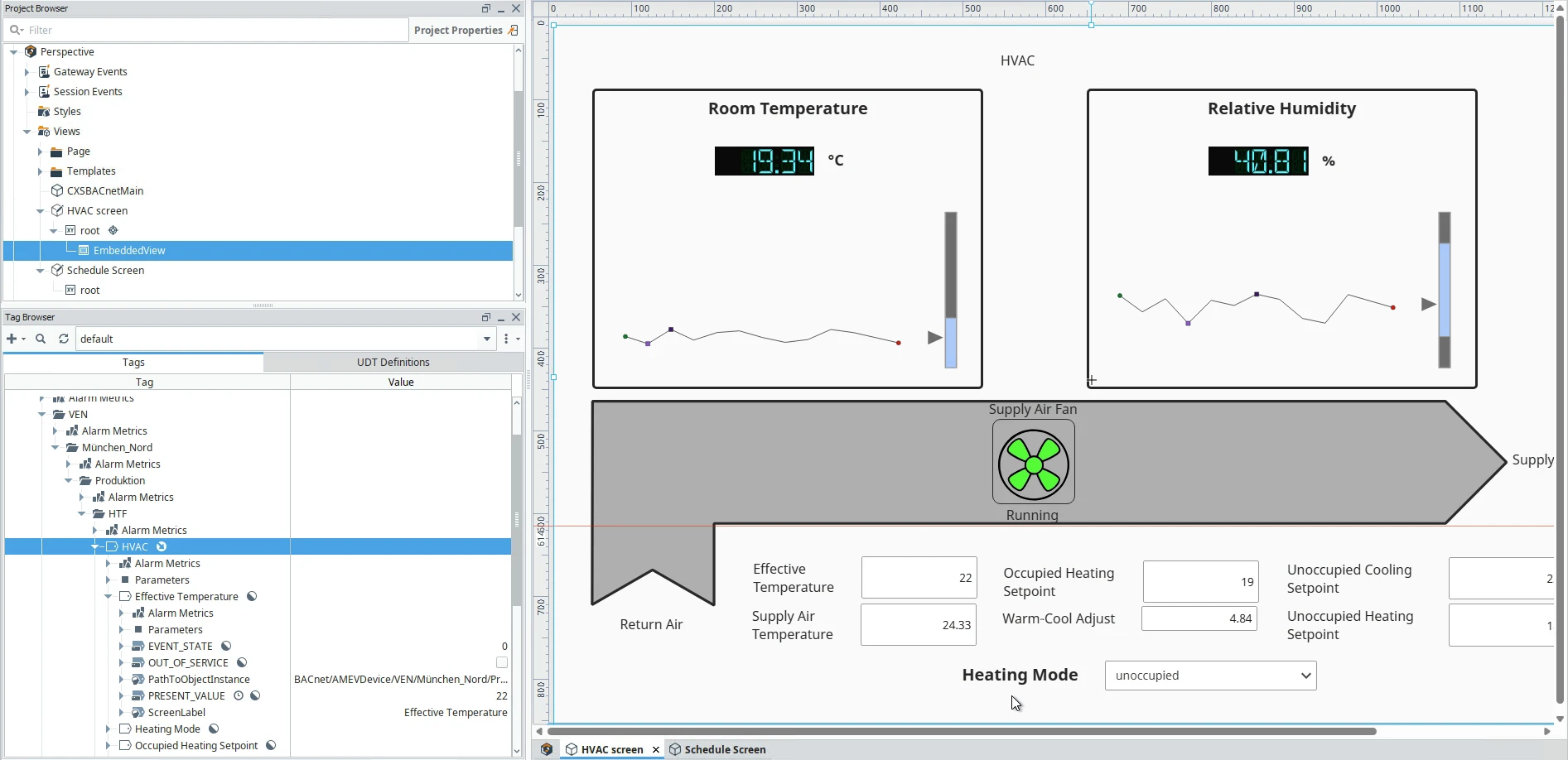
Start with the information you need, the system it comes from and the application it must serve.
Scan the accessible BACnet network and review the devices and objects available to the project.
Use configuration and naming conventions to organize information around locations and equipment.
Review the output, complete project-specific application work and validate it against the system.
Use this relationship to frame the technical discussion. Exact module placement and capabilities depend on the selected product and version.
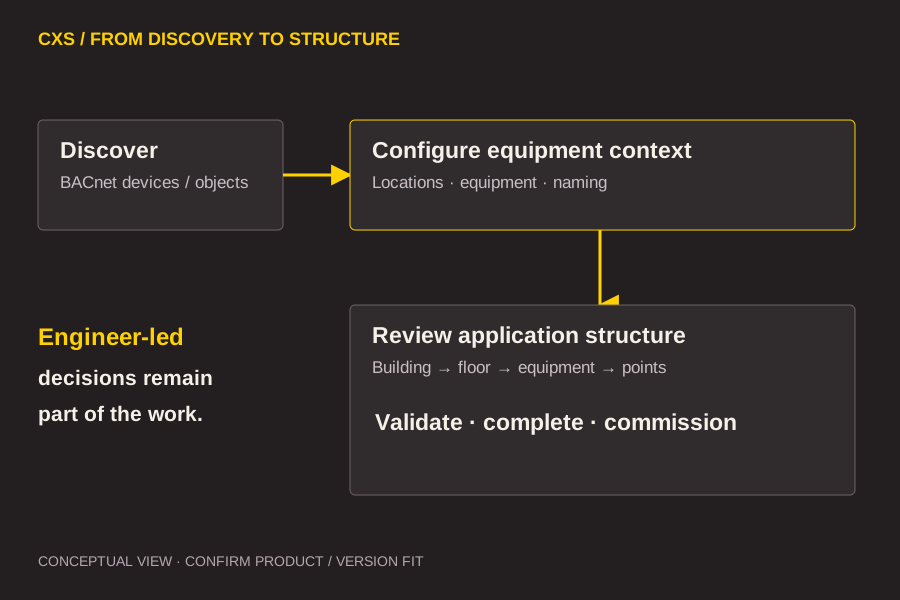
The existing demonstration shows an equipment hierarchy beside an HVAC view in Ignition Designer. It makes the relationship between system structure and application work visible; it does not prove which resources were generated automatically.
Explore CXS for Ignition
Existing CXS demonstration; illustrates application context, not proof of every product feature.
Use these questions to shape a focused technical evaluation.
Existing documentation describes application objects, I/O references and a hierarchical model. Confirm the exact generated resources and template behavior for the selected release.
The product documentation describes resynchronization. Review how updates are proposed, how manual changes are preserved and what rollback is available before repeating generation.
Network prerequisites, application decisions, validation and commissioning remain project work. Generation is a starting point, not evidence of a completed application.
Tell us what you are connecting, the platform you use and the work you need to do.
Discuss your project